Guide to Increase Page Indexed for Your Website – Part 1

Guide Outcome: After following through and applying the knowledge and skills shared, academicians and non-academicians who have their own website, or is a webmaster of his/her own group/center/institute/personal etc can increase the number of Page Indexed to more than 2000, in order to help UTM Faculty Webometrics, UTM Webometrics and most importantly to get that very nice 5% eLPPT extra bonus marks

……………………………………………………………….

I will be making a guide for all academicians and non-academicians in FCEE specially, as well as UTM staffs to adopt in order to increase your Page Indexed for your official faculty or university website. This guide/training will be published weekly, I hope I can do it weekly or whenever I managed to publish it, I will announce it via our social media channel. This is pretty much also related to Webometrics, which may be quite complicated to understand for us (accept those who have passion in this and also the Computer Faculty or CICT guys). Before we dive in further, lets try to understand what is Webometrics and why it is important to us.

Note:  I am not a real website guy or a computer geek tech person, but I am trying to provide this info so my fellow academicians and non-academicians can improve their website to a better quality and standard, mainly due to my capacity as the Facility Manager of FCEE. Expert in this area may question this guide. You are welcome to critic and help me improve this guide.

I am not that technical to explain what Webometric is. I suggest you to refer the definition and concept given by Wikipedia and Webometrics Ranking of World Universities. If you are still not sure what this is all about, don’t worry because what you really want and should do is to find a way, a strategy, a mechanism on how to keep on to increase your page indexed, which is basically the most imperative matter.

What is Page Indexed?

My own understanding :- It is the number of pages in your website that has been indexed by the search engine. Now that we are very much used to Google, and UTM is using Google Page Index to calculate some bonuses for our eLPPT and eLNPT (not sure if this apply). If you recall while filling up your eLPPT for 2016, bonus marks are given such as:

100 pages index and more = 1% bonus marks

250 pages index and more = 2% bonus marks

500 pages index and more  = 3% bonus marks

1000 pages index and more = 4% bonus marks

2000 pages index and more = 5% bonus marks

You can refer here (http://www.utm.my/webometrics/) for the above bonus details.  At that same link, you can also try yourself and see how many pages of your website has been indexed. Try and see now.

Done?

If yes, that’s good. Let’s move on to learn and practice how to improve and increase the number of pages indexed for your website.

……………………………………………………………….

A. Practical Ways to Increase Page Indexed and Increase Presence of Your Website

Following are several methods and techniques that you can adopt.

  1. Keep on adding new contents to your website. The more contents, the more page indexed.
  2. Always tick one or more “Categories” for your new post.
  3. Always add more than 5 “Tags” for your new post.
  4. Always have at least one outbound link to a reputable website, example, UTM website or government website or google websites etc. Have maximum 3 is ok. Don’t over link it.
  5. Always have some inbound links directed to your new posts. This inbound can be a link from your other previous post directed to your new post.
  6. Select good keywords for your post, but this depends the content you are writing. Target 2-5 keywords. Then you can either italic, bold or underline that keywords. You can also change the colour of it.
  7. You can add photo(s) if you want into the post. If you do so, it is better to rename the photo to the keywords and make it relevant to the post.

For now, I will leave you with only 7 points above. Some of you may wonder and would like to know further on it. I will elaborate further on all of the 7 points above. There are various techniques to be mastered for the above, but this will be continued soon, and I will update it in Telegram once new guide is published.

And as for now, you can start posting any news whenever you have the time, maybe once a day, or once a week, up to you. Or a clever way of creating new post is by asking your Postgrad students to help you with all the new post publication. You can ask them to write 1 post a day or 5 posts per week. Or even 10 posts a week. Up to you.

See you in Part 2.

– comments for improvement are welcome – you can email me at zakiyamani@utm.my

(Time spent writing this Part 1 guide = roughly 1 hour)
Commisioning of FCEE’s newest Computerized Sieve Shaker

Stopping by at Separation 2 Lab, witnessing the testing and commisioning of FCEE’s newest Computerized Sieve Shaker. With head of Chemical Engineering 1 Lab, Dr. Mazura Jusoh and our technical staffs, Mohammad Rafiza, Shairray Jais and Sukor.

Handover of Nuclear Engineering Lab to FCEE

Handover of Nuclear Engineering Lab to FCEE. The new Nuclear Engineering Lab is located in University Industrial Research Laboratory (UIRL), T03, UTM. My first time here and I can see this lab to grow and develop as a very important lab for the country. InsyaAllah.

In the photo Dr. Khaidzir, FCEE’s Nuclear Engineering Program Coordinator received the handover documents from the Contractor representative.


Info Stats on FCEE New Administration Building – N01a

It has been roughly one month that the new Faculty of Chemical and Energy Engineering (FCEE) Administration building have been occupied. This two storey building is regarded as the new landmark for FCEE and its success. It is also a special building because come with a set of solar panels and also rain water harvesting (RWH) facilities.

Interesting Facts about N01a Building:

  • 1 set of Solar Power Facility
  • 1 set of Rainwater Harvesting Facility
  • 1 Huge Meeting Room –  Bilik Mesyuarat Utama (BMU) – 55 people capacity
  • 1 Moderate Size Meeting Room – Bilik Mesyuarat PSM – 20 people capacity
  • 21 Lecturer’s Office
  • 8 Administrator’s Office


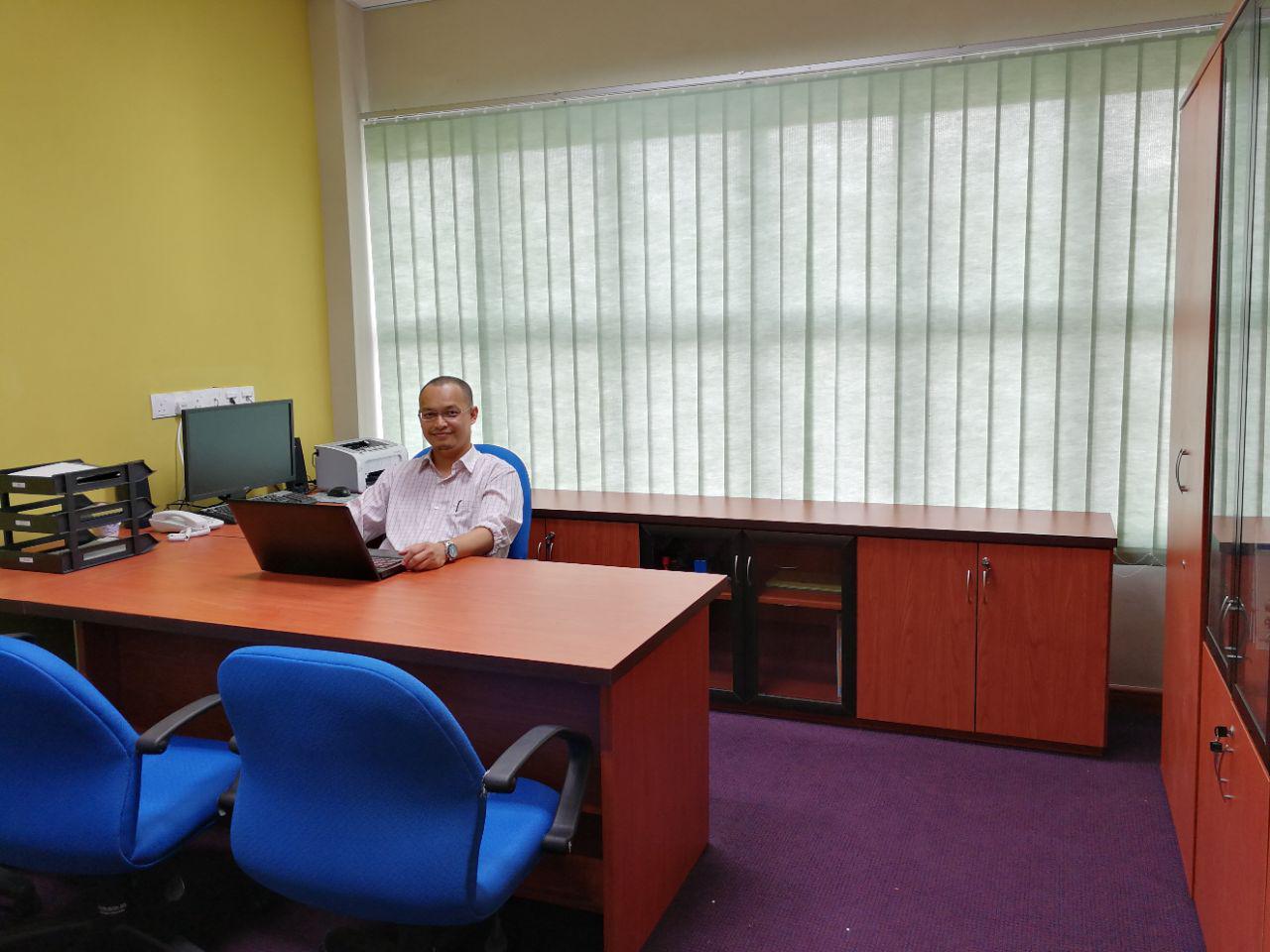
I Moved into My New Office at N01a

In case you are not aware, all administrative staffs of the Faculty of Chemical & Energy Engineering has officially moved into N01a, the new building block of the faculty. That include me due to my capacity now as the Faculty’s Facility Manager.

I can still be contacted using my official telephone extension of 35512.

This is my 3rd time office as the Facility Manager. The first one was in N05, followed by the second one at the end of N01. Now, it is the new N01a.

I will be here till end July 2019 (if I remain the Facility Manager of FCEE)

I will be here till end July 2019 (if I remain the Facility Manager of FCEE)

From old admin office to new admin office


Who says I am relaxing? I am also carrying my own furniture, well the smaller ones which I can carry alone. I also carry some of the bigger ones too.

For FCEE Academic Staff – How to change your Profile Picture in your Personal WP blog.

1) Login your personal WP blog
2) You will arrive in dashboard
3) On the left hand side, Search for “Appearance”.
4) Click “Appearance” and it should expand to “Themes”, “Customize”, “Widget”……
5) Click “Widget” and you will see something loaded in your dashboard.
6) Look at the center to right and search for “Primary Side Bar” box.
7) Click the small drop down arrow on the right of that box, and it will expand downwards.
8) Identify a box under that showing “Text: Academic Staff Personal Site”.
9) Click the small drop down arrow on that box, and it will expand. This is the box where you must put the url address of the photo you want to upload into your WP blog. Remember this place.
10) Now assuming you have your photos already published inside the WP blog before, search for “Media” on the left side of your dashboard.
11) Click the “Media” and it will expand to “Library”, “Add New”….
12) Click “Library” and all photos that have been uploaded before will be shown there.
13) Click one photo that you want and a new page titled “Attachment Detail” will appear with your photo shown in a bigger size.
14) Look on the right side and search for URL.
15) Copy the URL.
16) Paste the URL in the box at step 9.
17) Then SAVE.
18) Click Refresh button.
19) Your new profile picture should appear now.
Good Luck

Meeting on Faculty’s Income Generation vs Team from TNCPI

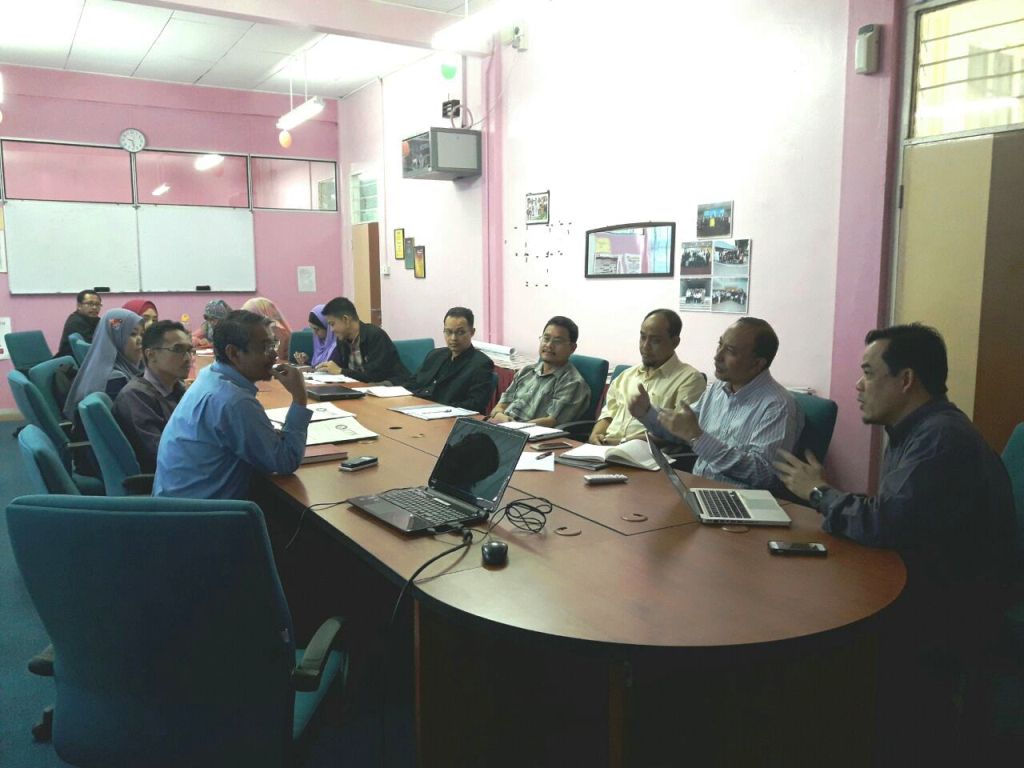
The first meeting for today was a meeting with Research Alliance FMRA Office (TNCPI) under the  Task Force Income Generation, which was chaired by Prof Dr. Madzlan Aziz and his team plus a representative from the UTM Treasury. Main gist of the discussion was explanation and discussion on how the faculty can increase it’s income via various methods. We became clearer on the several existing ways how to record, claim and generate more income for the faculty.

1-meeting-tncpi-utm-income-generation

New Promotional FCEE / UTM Infographic

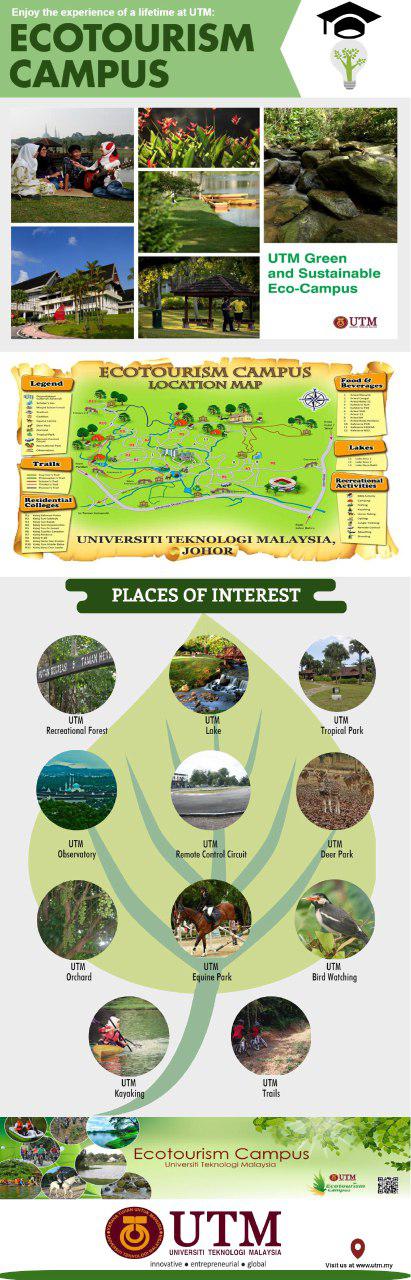
Well done Mr. Vekes and his Post Graduate Committee members for producing a very good infographic at such a short notice. If I am a student, I will immediately fall in love with UTM after seeing this beneficial and full of facts infographics.

Chemical Engineering Energy University

Chemical Disposal, Technical Evaluation, Technical Lab Tour… etc

I have several pre-scheduled tasks for today (as expected after holding this position).

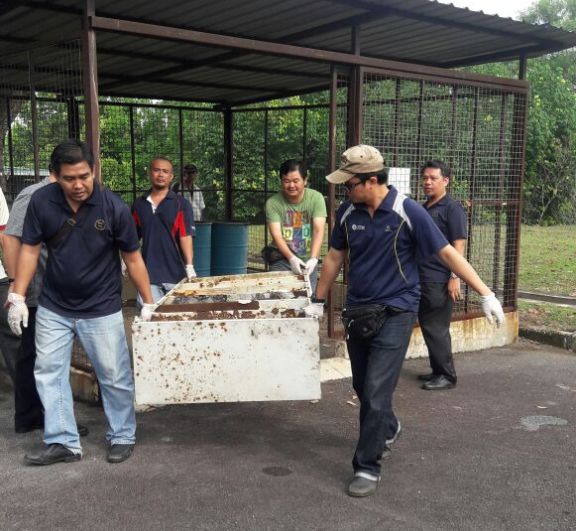
First, made a site visit to the chemical disposal storage which at 9 am, a team of technical staffs will work together to clear and transfer the waste chemicals to another chemical disposal storage area. Basically, we intend to have only one waste chemical storage for easier management and facilitation.

Secondly, there was this Penilaian Teknikal meeting for some items that will be purchased. This was chaired by the Timbalan Dekan Penyelidikan & Inovasi (TDPI). 4 Items were interestingly been reviewed 🙂 .

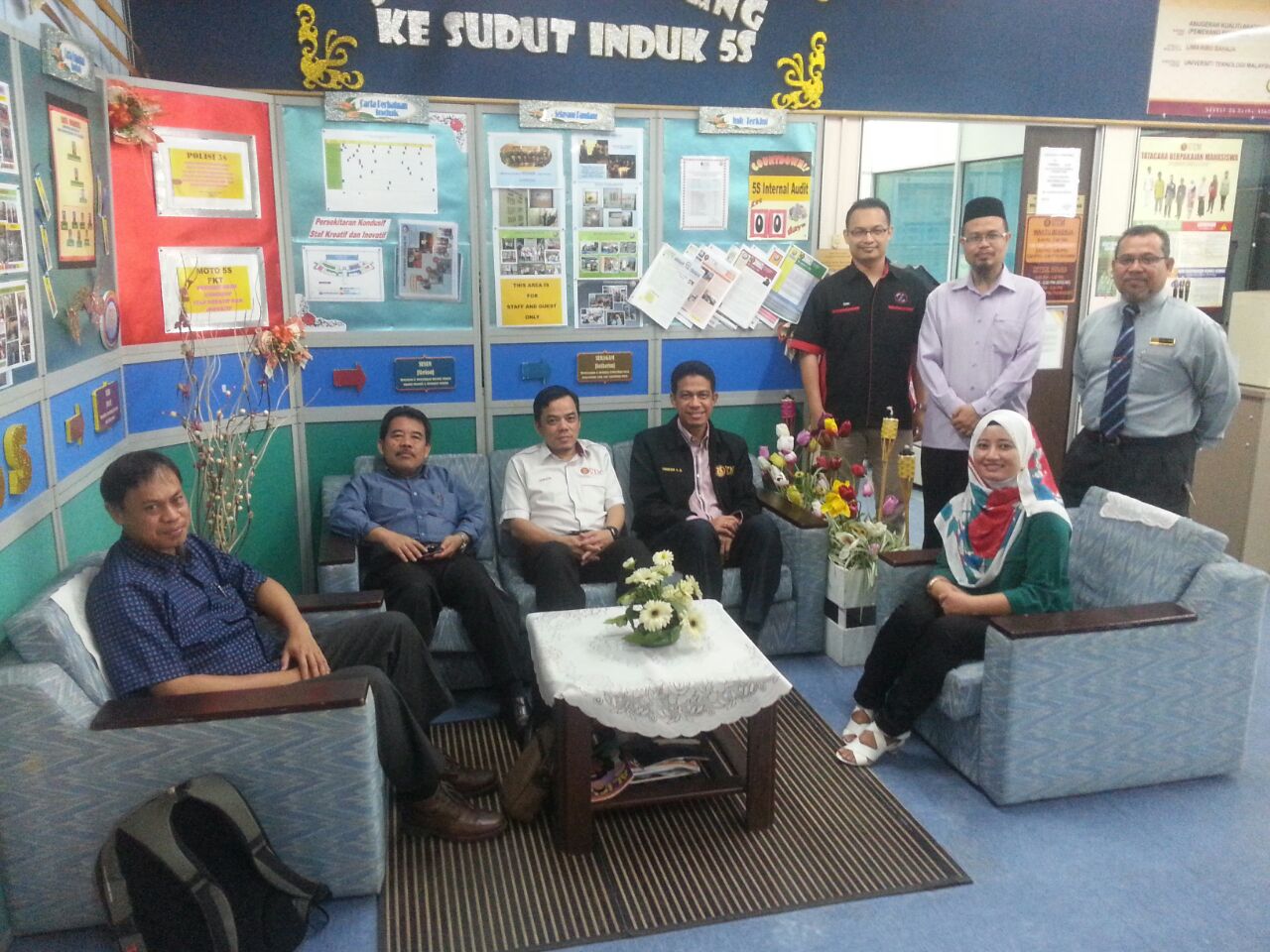
Thirdly, there was this official visit by Universitas Sriwijaya (UNSRI) to our faculty. Later, I brought the delegation to visit some of our labs. Exactly 5 of the labs. Thanks to the help of Dr. Anam, Jamal, Firdaus, Azri, Roslan, Dr. Wan Rosli, who helped to guide and explained about the labs etc to the Indonesian delegates. Credit to Shahril, our cameraman for the day.

FCEE-unsri-chemical-engineering

The delegates from UNSRI and part of FCEE Administrators at our FCEE office

gotong-royong-chemical-disposal

Earlier in the morning, the technical staffs worked together (gotong-royong) to clear, clean the previous FCE chemical waste disposal storage area. Great effort, remarkable teamwork.

Subsequently, I had several unofficial meetings with several important people in the faculty – for technology & knowledge transfer, job/task transfer, comprehending many things, a bit planing and a bit of this and that… 🙂

Most importantly, I need to stay relax, calm and not to stress out myself.

Back home, I had a good badminton with my other half and kids 🙂 Need to balance life… work… family… exercise… Majalah 3… and writing this post 😉 then get some rest…

UTM Open Day